
Microsoft 365 Migration,
Setup & Support
in South Florida
Serving Miami-Dade, Broward, and Palm Beach
At Support305, we help businesses unlock the full potential of Microsoft 365—from secure email and collaboration tools to advanced cloud services. As your managed service provider (MSP), we handle setup, migration, support, and optimization so your team can stay productive, connected, and secure—anytime, anywhere. Most clients run it alongside our managed IT services in Miami.
 4.9/5 Google Reviews
How a Microsoft 365 Migration Works
Whether you're moving from Google Workspace, an old Exchange server or another email host, every Microsoft 365 migration (still often called an Office 365 migration) follows the same six steps, so your team keeps working and nothing gets lost.
- 1
Audit mailboxes and files
We inventory every mailbox, shared mailbox, calendar and file share, check how much data there is, and note who needs access to what.
- 2
Plan the cut-over date
You get a written plan and timeline. We pick a cut-over date outside your busy periods and tell your staff what to expect.
- 3
Move email, OneDrive and SharePoint
Email, calendars and contacts move to Exchange Online, personal files to OneDrive and shared files to SharePoint and Teams, copied in the background while your team keeps working.
- 4
Set up MFA and security
Multi-factor authentication, email filtering, device policies and admin roles are configured before anyone signs in for real.
- 5
Train your staff
Short, practical sessions on Outlook, Teams, OneDrive and SharePoint so people know where everything is on day one.
- 6
Support after go-live
Our help desk handles the questions and fixes that come up in the first weeks, then keeps supporting your Microsoft 365 as part of your plan.
Timelines depend on the number of users and how much data you have. After the audit we give you a written timeline for your business before any work starts.
Azure Migration & Managed Azure Services
Microsoft 365 is often the first step to the cloud. Many businesses then move the servers in their office closet to Microsoft Azure, so they no longer have to replace aging hardware or worry about power and cooling. We plan and run Azure migrations, then manage the servers afterwards: monitoring, patching, backup and cost control.
We also set up Microsoft Entra ID (formerly Azure AD) for single sign-on, so staff use one secure login for Microsoft 365 and the other business apps you use, and we back up your Azure servers and data to the cloud. See our cloud optimization and backup and disaster recovery services for more.
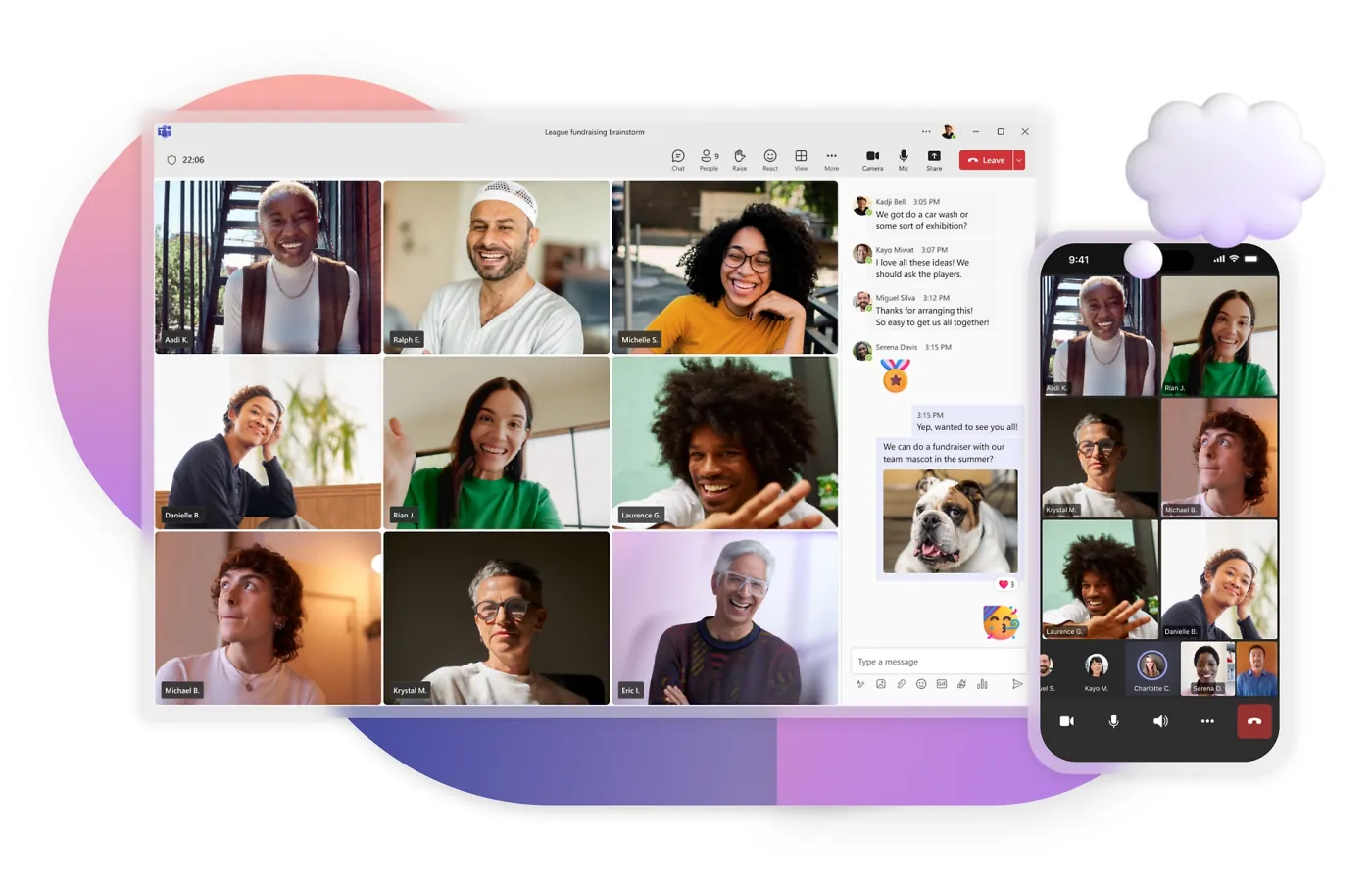
Messaging, video conferencing, and collaboration hubs for hybrid work environments.
Email & Collaboration

Always-up-to-date Word, Excel, PowerPoint, Outlook, Access for maximum productivity and collaboration.
Cloud Productivity
& Office Apps

Safeguard against phishing, malware, and ransomware with enterprise-grade security solutions.
Security & Compliance

Single sign-on (SSO) and identity management across platforms for seamless user experience.
Cloud Services & Infrastructure

Fast response for Microsoft 365 issues and user support with round-the-clock availability.
Managed Support & Administration

Hands-on experience deploying, migrating and managing Microsoft 365 for South Florida businesses.
Why Choose Support305
for Microsoft 365
Areas We Serve
Proudly Serving
South Florida
Based in Miami, we deliver Microsoft 365 migration, setup and support for small and mid-sized businesses, law firms and medical practices across Miami-Dade, Broward and Palm Beach, as part of our managed IT services.
Miami Dade
Broward
Palm Beach
Microsoft 365 Migration FAQ
Find answers to common questions about our services. Can't find what you're looking for? Give us a call.
It depends on the number of mailboxes, how much data you have and where you're moving from. After the audit we give you a written timeline. Most of the copying happens in the background while your team keeps working, and the final cut-over is scheduled outside business hours.
No. Email, calendars and contacts are copied before the switch, and a final sync picks up anything that arrived in between. Your team keeps using the old system until cut-over, then signs in to Microsoft 365 with everything in place.
Yes. We migrate Gmail, Google Calendar, contacts and Google Drive files into Outlook, OneDrive and SharePoint, then help your staff get comfortable with the Microsoft apps.
It depends on how your team works and how much security you need. Most small businesses choose between Microsoft 365 Business Basic, Business Standard and Business Premium; Premium adds advanced security and device management. We recommend a plan after reviewing your users and requirements.
Yes. We add and remove licenses as people join and leave, match each person to the right plan, and remove unused seats so you're not paying for licenses nobody uses.
Still have questions? We're here to help.
Call Us: (305) 222-7711Get a Free IT Assessment
Tell us how many people you have and what's slowing your team down. We'll get back to you within 24 hours to set up your free IT assessment.